How it works
Three steps are enough to say something. The rest of this page explains why the tool is built this way, what research establishes, and what it does not.
The three steps
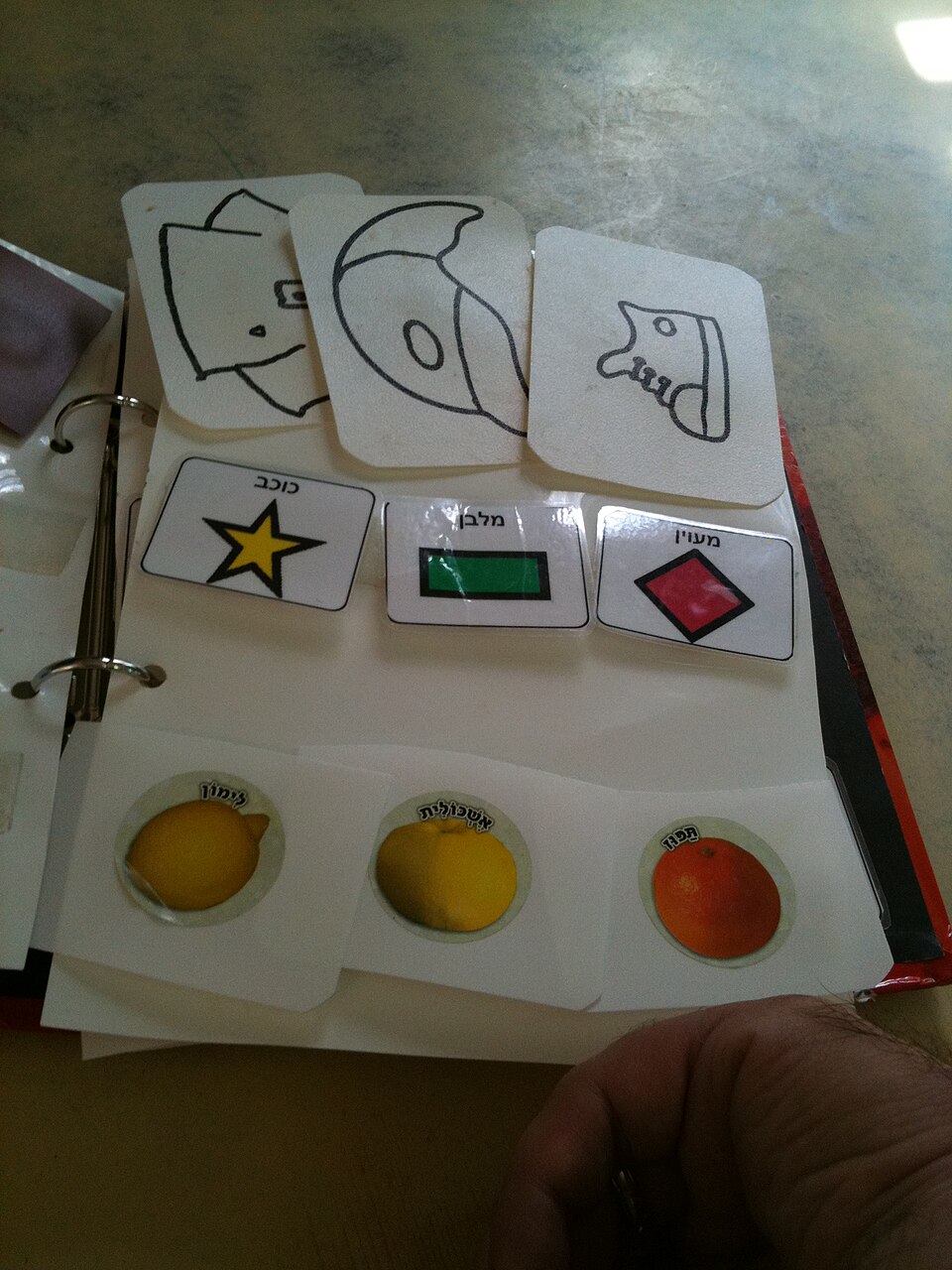
- Open a board. Every board is a grid of cells: a picture, with a word written under it.
- Touch the cells in order. The words are added one after another in a sentence bar, which can be corrected one word at a time.
- Have it spoken. The voice on the device says the sentence. On paper, the same board is pointed to.

The design choices, and the reasons behind them
The same cells, always in the same place
Every board begins with the same row of twelve words, in the same order: yes, no, help, stop, me, I want, more, finished, it hurts, drink, eat, toilet. A hand that has learnt where “yes” is must find it in the same place everywhere, without looking for it. The movement ends up being made from memory, the way a key on a keyboard is found without looking at it. This is a deliberate ergonomic choice: we prefer a less elegant grid with constant positions to a prettier arrangement that would move the words from one board to another.
Few words, but the right ones
The boards give priority to the words that serve everywhere, whatever the subject: want, go, again, finished, help, stop, more, less. It is these that make it possible to build new sentences, rather than pointing at objects one by one. Work on everyday vocabulary points the same way: in one study of preschool children, the two hundred most frequent words account for about 87% of the words produced, a figure taken as it stands from the source cited at the foot of the page. The words that belong to one person (names, dishes, places, habits) are then added in my boards: they cannot be invented on their behalf.
The picture and the written word, together
Every cell carries its word under the picture. A picture on its own is ambiguous: the same drawing can mean the object, the action or the wish. The written word removes the doubt for the communication partner, gives a landmark to anyone who reads a little, and makes the printed board usable by someone who meets the symbols for the first time as they walk into the room.
Paper, on an equal footing with the screen
A sheet of paper does not run out of battery, does not lock itself, does not switch off during an examination, and can be handed to whoever comes into the room. The boards are therefore designed to print legibly in black, not only to be displayed on a screen. See print a board.
Everything stays on the device
What a person says with this tool is among the most private things there are: what they want, what hurts, who they need. None of it leaves the device. The voice used is the one installed on the machine, never a remote synthesis service, which would amount to sending every sentence to a third party. You can check this for yourself: browser developer tools, Network tab, reload the page.
Accessibility is not an end-of-project option
Large cells, strong contrast, adjustable sizes, full keyboard access, and automatic scanning at an adjustable speed that makes it possible to build a sentence, correct it and have it spoken with a single switch. What works for a hand that shakes works for everyone.
We also write down what is not reached. Scanning moves through the cells of the board, then the three commands of the sentence bar, “Speak the sentence”, “Delete the last word”, “Clear all”: with a single switch, a sentence can be built, corrected and spoken. The cursor can announce itself aloud, which makes scanning usable without seeing the screen. One gesture remains that calls for something other than the switch: stopping scanning. The details are on the questions page.
What the research establishes, and what it does not
The most widespread fear about these tools is that they stop speech from coming. A review of the literature published in 2006 in the Journal of Speech, Language, and Hearing Research examined twenty-three studies covering sixty-seven people: it concludes that the use of augmentative and alternative communication neither slowed nor prevented the development of speech, and that spoken output increased in 89% of participants. The authors themselves state that only six studies had adequate experimental control, and that further work is needed: we carry that caution over as it stands.
What we do not claim: that this tool improves a person’s condition, that it replaces support, or that it suits everyone. Words Within Reach is not a medical device, not medical advice, and not a diagnostic tool. This service measures no one and assesses no one. The choice of a means of communication for a given person belongs to that person, to those close to them, and to the professionals who know them.
How the service is built
- Static pages, with no database, no account, and no external library loaded into your browser.
- The ready-made boards are written in HTML at build time: they display, read and print even if JavaScript is turned off. Sentence building and the voice are a convenience laid on top.
- The vocabulary and the boards live in public data files that anyone can read through or re-use.
- Every symbol served has its licence read from the file delivered with its set, and traced in the credits.
- Once the page is open, everything works without a connection. See using the service offline.
Sources
- The impact of augmentative and alternative communication intervention on the speech production of individuals with developmental disabilities: a research review, Millar, Light and Schlosser, 2006, DARE critical abstract, National Library of Medicine (study published in the Journal of Speech, Language, and Hearing Research, vol. 49, pp. 248-264, PubMed record).
- Frequency of word usage by Hebrew preschoolers: implications for AAC core vocabulary, Augmentative and Alternative Communication, 2023: the two hundred most frequent lexemes account for about 87% of the words produced in exchanges between peers.
- Assistive technology, World Health Organization fact sheet, on the global need for assistive products and the barriers to access.